Pin a Player Tab
Keep one player tab for all media instead of opening a new tab each time.
Opening several videos in a row fills your workspace with player tabs. Pin one player or web viewer tab, and every new media file loads there instead of spawning another tab.
Pin the player
Right-click the tab header of a player or web viewer (requires web viewer integration) and choose Pin.
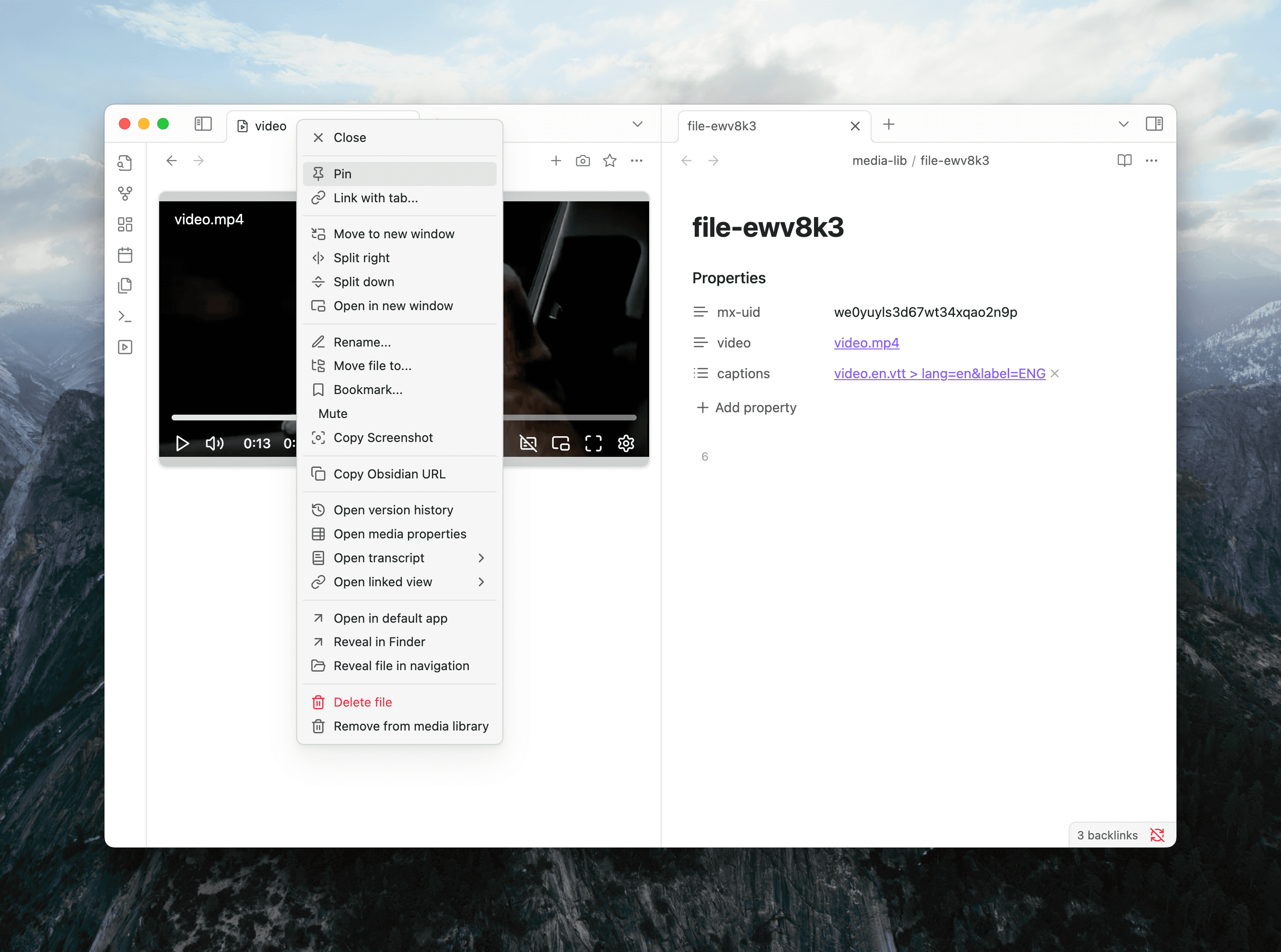
Now open any media file or link. Media Extended loads it in the pinned player instead of opening a new tab.
Unpin the player
Right-click the pinned player tab header and choose Unpin. New media will open in separate tabs again.
See also
- Set Up Web Viewer — required before you can pin a web viewer tab
- Set Up Hotkeys — control playback without leaving your notes
- Load Media — all the ways to open media in Media Extended