Left-Align Video Embeds
Use a CSS snippet to left-align narrow video embeds instead of centering them.
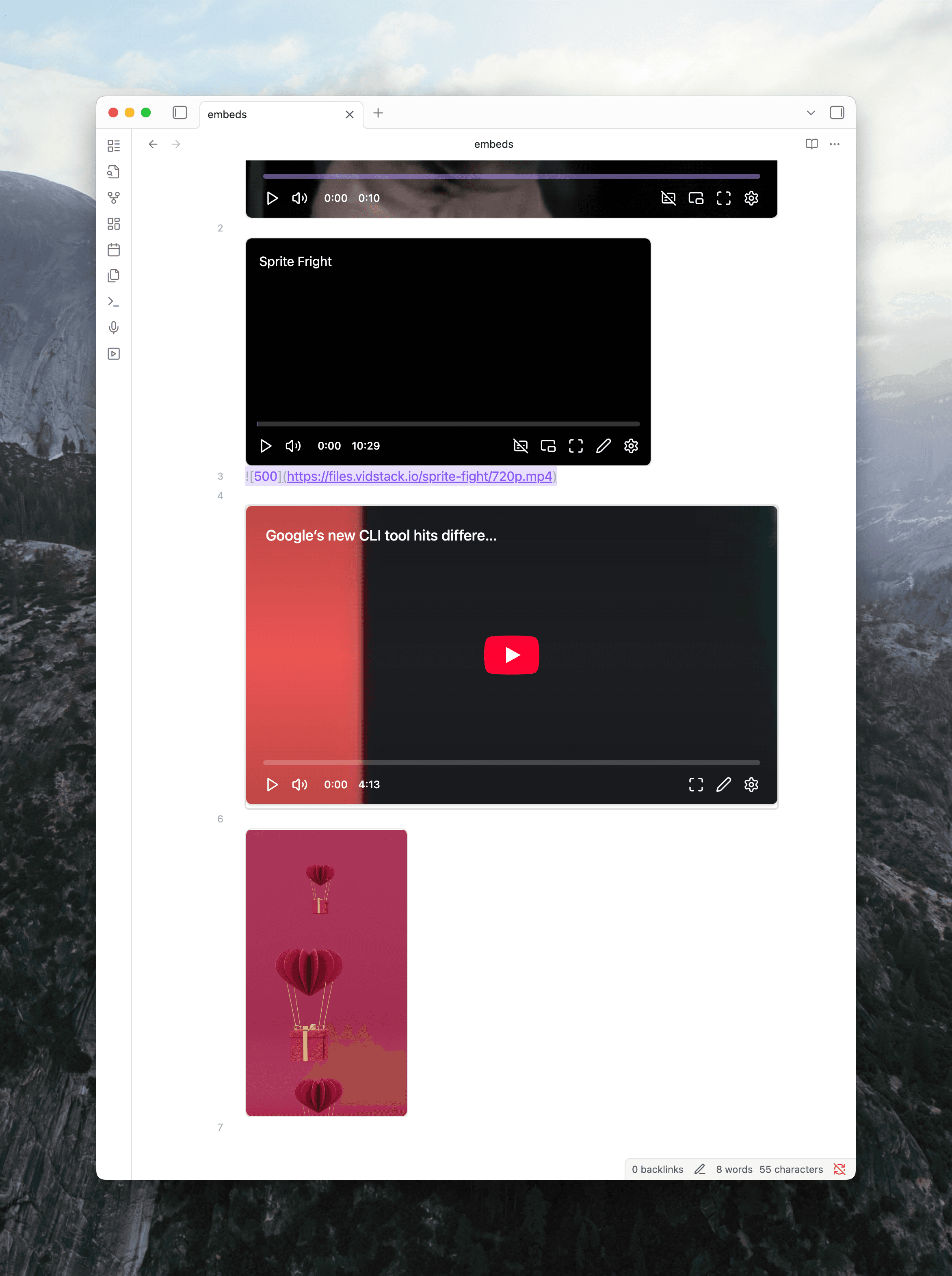
Video embeds are centered by default. If a video is narrower than the note width, like portrait videos or videos with an explicit size (![[video.mp4|300]]), the centering leaves gaps on both sides.
You can left-align them with a CSS snippet.
Add the snippet
Create a CSS snippet in your vault with this rule:
.mx-media-embed.mx-video-view.custom {
  margin-left: 0;
}
If you haven't used CSS snippets before, see Obsidian's guide on adding CSS snippets.
Result
Videos sit against the left margin instead of centering.
See also
- Set Embed Width and Height — control the width and height of media embeds